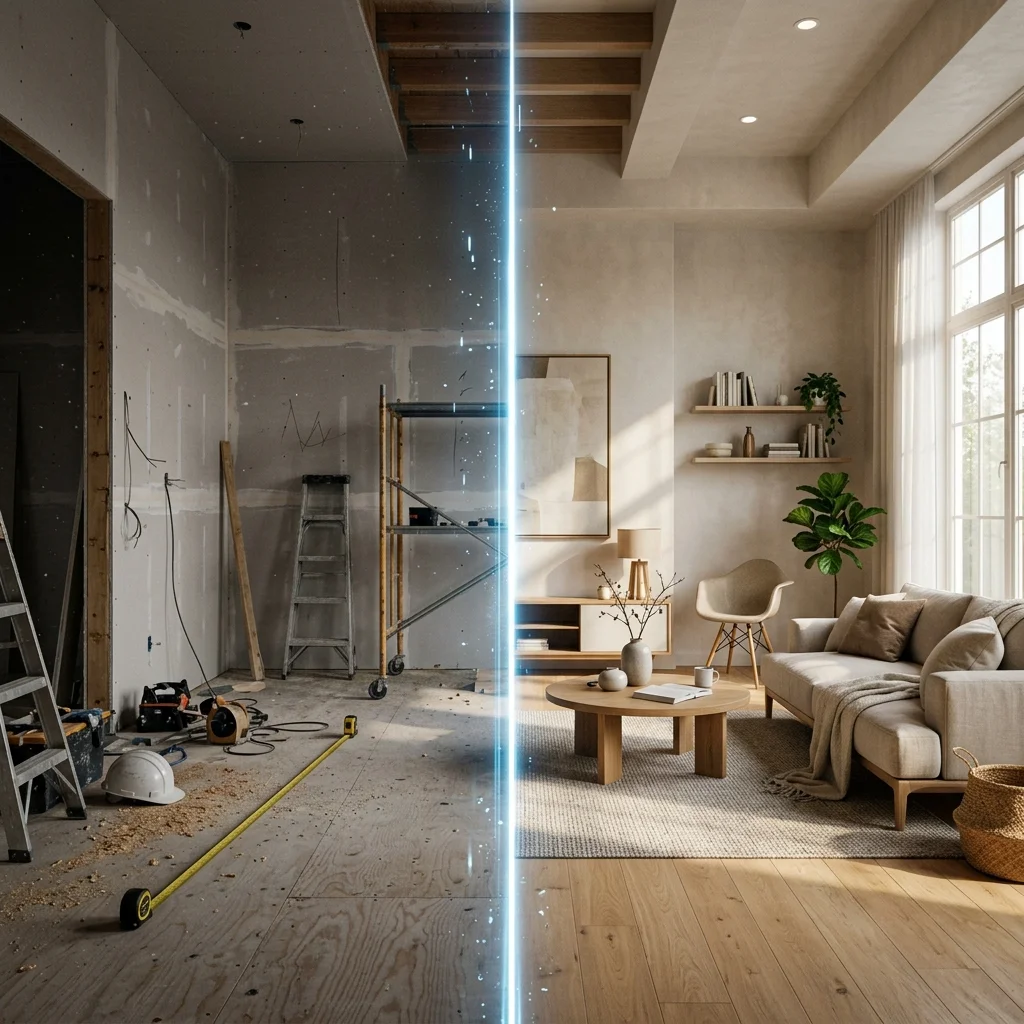
I was renovating my own space. I had a sofa I was considering, paint colors I was weighing, and a vague sense that the room could be better — but no way to actually see it. So I did what most people do. I hired an interior designer.
A week later, I had a phone call. The designer described what the space "could look like." Verbally. No images, no renderings, no visual reference. Just a description. When I asked when I'd actually see something, the answer was: another two to three weeks for the first concept, then another two to three weeks per round of revisions. By the time I was supposed to see what my own apartment could look like, six weeks would have passed.
That's when I learned the thing most homeowners never find out: designers don't actually do the visualization themselves. They outsource it. The renderings — the most important deliverable, the one thing you really want — are produced by a third-party rendering studio or a junior freelancer the designer has contracted. That outsourcing is the source of the delay. And it's also the source of most of the cost.
I built Decorb out of that frustration. The exact loop that took my designer six weeks now takes me thirty seconds per iteration. I can try ten directions in an afternoon. But this article isn't here to tell you AI replaces designers — it doesn't, for plenty of real reasons. It's here to give you the honest framework for deciding which one you actually need.
The Case for Hiring an Interior Designer
Let's start by being clear about where a professional designer is genuinely irreplaceable. There are entire categories of decisions where hiring one isn't optional — it's the only responsible choice.
The first is anything structural. If you're moving walls, opening up a load-bearing partition, rerouting HVAC, or touching electrical or plumbing, you need a human professional who can stand in your space, read your blueprints, and coordinate with engineers and contractors. AI cannot see what's behind your drywall. AI cannot tell you whether removing that wall requires a steel beam or whether your existing breaker panel can take another circuit. These decisions are physical, regulated, and consequential.
The second is complex whole-home projects with contractor coordination. A good designer is, in practice, a project manager. They sequence trades, hold contractors accountable to a schedule, mediate disputes, and absorb the operational work of a multi-month renovation. If your project involves five subcontractors and a permit, you're not actually paying a designer for taste — you're paying them to keep the project from going off the rails.
The third is the tactile dimension of material selection. Good designers can feel whether a fabric will pill in six months, whether a wood floor will dent under chair legs, whether a paint will read warmer or cooler in north-facing light. They have vendor relationships that get you to-the-trade pricing, samples in hand, and access to lines you'd never find on a consumer website. This expertise is real and it's earned over years of physical handling of materials. No image-generation model has hands.
If your project falls into any of those buckets, hire a designer. The honest answer is: there is no AI substitute for any of these things, and pretending otherwise would mislead you.
The Hidden Reality of How Designers Work
Here's what most homeowners don't know — and what surprised me most when I went through the process myself. The thing you most want from a designer, the deliverable that drives the entire decision, is the visualization. The image that shows you what your living room will look like with the new sofa, the new paint, the new rug. That image is the whole point.
And it's the part designers almost never produce themselves.
Most interior designers — including very good, very respected ones — outsource visualization. Either to a dedicated rendering studio (typical fee: $1,500 to $3,000 per room, per round of revisions) or to a junior freelancer who lives on Upwork or in a different time zone. This isn't a criticism of designers. It's a structural reality of the industry. Producing photorealistic renderings is a specialized skill, and the people who are good at design taste are usually not the same people who are good at 3D software like SketchUp Pro, V-Ray, or Lumion.
This outsourcing creates a timeline that almost no homeowner is told about upfront. Week one is the kickoff and brief. Week two through three is the designer translating the brief into a render package, queuing it with their rendering studio, and waiting in line. Week four is when the first visual lands in your inbox. Then each revision round — "can the sofa be linen instead of velvet" — takes another one to two weeks because it goes back through the same outsourcing pipeline.
You're paying $100 to $200 an hour, on average, for a designer to act as a project manager for a rendering pipeline. You're not paying them to draw or render. You're paying them to manage the people who do.
"Designers don't do the visualization themselves. They outsource it. By the time you see your first visual, you've waited a month and you have almost no way to iterate quickly."
The Case for AI Design Tools
The reason AI is so disruptive here isn't that it makes prettier images. It's that it collapses the entire visualization loop from weeks into seconds. The thing that took the designer's rendering studio a week now takes about thirty seconds. The cost of an iteration falls from $1,500 to roughly forty cents.
That sounds like a quantitative improvement. It's actually a qualitative one. When iterations are slow and expensive, you're incentivized to settle. You see one concept, it's almost what you wanted, you tweak two things, and you call it done — because the alternative is another two weeks and another $1,500. When iterations are instant and nearly free, you're incentivized to keep exploring. You try the sofa in five colors. You see the room in three different paint palettes. You ask "what if we went minimalist instead" and you get the answer in a minute, not a month.
This changes the decision quality. The homeowner using AI sees more options and chooses better. Not because the AI has better taste than the designer — it doesn't — but because the AI lets the homeowner exercise their own taste against many more visual references before committing money.
The specific use cases where AI wins outright are concrete. Furniture decisions before buying: drop the sofa you're considering into a photo of your actual room and see it. Style exploration before committing to paint or refinishing: try five color stories on the same room in an afternoon. Showing a partner or family member what you're envisioning: you stop arguing about words and start agreeing on images.
The Decision Framework
Here's the framework I give friends who ask me this exact question. Match your situation to the row:
| Situation | Better Choice |
|---|---|
| Structural renovation, load-bearing changes | Hire a designer |
| Furniture selection, style exploration | AI tool |
| Full home gut renovation with contractors | Hire a designer |
| Single room refresh | AI tool |
| No design instinct, need expert to lead | Hire a designer |
| Want to see options before committing budget | AI tool |
| Complex vendor sourcing, custom millwork | Hire a designer |
| Renting and can't renovate | AI tool |
The cleanest signal in that table is the question of scope. If your project requires anyone to touch a wall, a wire, or a pipe, hire a designer and let them coordinate it. If your project is about choosing things — colors, furniture, finishes, layouts — AI gives you a faster and cheaper path to a better decision.
The Hybrid Approach That Actually Works
The interesting pattern that's emerged over the last year is that the smartest homeowners aren't choosing between designer and AI. They're sequencing them. AI first, designer second.
The workflow looks like this. You start with an AI tool and burn through the exploratory phase that used to consume the first month of a designer engagement. In an afternoon you generate ten to twenty style directions for your living room. You narrow to two or three strong candidates. You print those out, share them with your partner, your family, your contractor — whoever is going to weigh in. By the end of the weekend you know what you want.
Then you bring in a designer for execution. The conversation is now completely different. Instead of "I want something warm and modern," you walk in with three visual references that show exactly what warm and modern means to you. The designer's job shrinks from open-ended exploration to focused execution. They source the actual products, manage the contractors, handle the trade pricing, and make the project happen. You save money because you're not paying for their exploration hours. They do better work because they have a clear brief.
The smartest designers I know already use AI tools themselves to speed up client presentations. They know the workflow is the future. The ones who pretend AI doesn't exist will lose market share over the next three years to the ones who embrace it as part of their toolkit.
Frequently Asked Questions
Can AI replace my interior designer?
For complex projects involving structural work, contractor coordination, or custom millwork, no. The professional expertise is irreplaceable. For visualization, style exploration, and furniture decisions, yes — and that's the part you probably wanted most from your designer anyway.
Should I show my designer AI-generated images?
Yes, this is now standard practice. Bringing visual references — whether from AI, Pinterest, or magazines — shortens the brief dramatically and gets you to a better outcome faster. Most good designers prefer working from clear visual direction rather than abstract descriptions.
Is AI design good enough for real decisions?
For furniture, paint colors, layout, and style direction: yes, absolutely. For decisions that depend on material tactility (will this fabric hold up to kids), structural integrity (can we remove this wall), or contractor planning (how do we sequence this build), you still need a human professional.
How much can the hybrid approach actually save?
In my experience and the experience of most people I've talked to: the exploration phase of a typical room project is two to four weeks and one to three thousand dollars in designer time. Compressing that to an afternoon and the cost of an AI subscription saves roughly that much directly, plus the indirect savings from making better decisions earlier in the process.
What if I have no design instinct at all?
Hire a designer. AI is most powerful when you have some sense of what you like and want to explore variations. If you genuinely don't know whether you like modern or traditional, warm or cool, eclectic or minimalist, a designer can help you discover that through conversation in a way AI can't quite match yet. But once you have a direction, switch to AI for the exploration phase.
The Honest Recommendation
If I were renovating my space today, knowing what I know, I'd do exactly what I do now: start with the AI tool, lock the direction in an afternoon, and only bring in a designer if the project crosses into structural or contractor-management territory. For a single-room refresh — paint, furniture, lighting, decor — the AI tool covers it end to end. For anything involving permits or trades, the designer earns their fee.
The biggest mistake I see homeowners make isn't choosing the wrong tool. It's choosing only one. The designers who outsource visualization to a rendering studio are doing it because they recognize they need both — the human judgment and the visual production. You can do the same thing for your own project, just at a fraction of the cost and timeline.