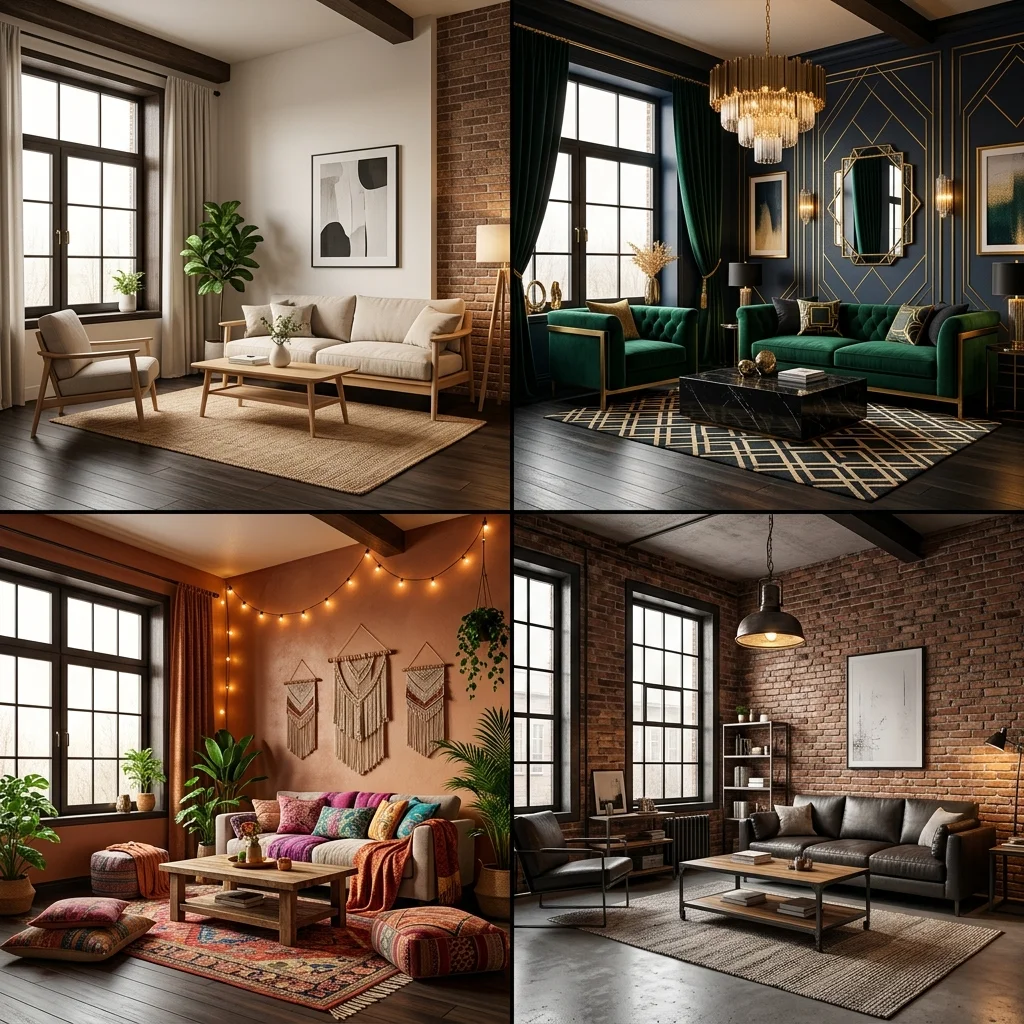
The AI interior design category has gone from a curiosity to a crowded marketplace in less than three years. There are now dozens of tools that claim to redesign your home with artificial intelligence. Most of them are not designed for the same job, and most homeowners pick the wrong one because the marketing copy across the category sounds identical. This article exists to fix that. We tested the five tools that matter in 2026 on the same set of real rooms — a small Brooklyn living room, a suburban master bedroom, an open-plan kitchen, and an empty home office — and graded them on what actually matters: does the output show your real room, does it look photoreal, can you use it to make decisions, and is the price reasonable.
We're Decorb, so we built one of the tools in this comparison. We've worked to keep the analysis honest. Decorb is best at one specific thing — preserving the actual photograph of your room and re-rendering it in a different style — and we say so. Other tools win at other things, and we say that too. Read the verdicts and pick the tool that matches what you're actually trying to do.
The Five Tools We Tested
We restricted this list to tools that are (a) accessible to homeowners without a steep learning curve, (b) updated within the last six months, and (c) genuinely useful for at least one interior design workflow. Tools that were abandoned, broken, or repackaging another model with no added value were cut.
- Decorb — Photo-based AI room redesign on Gemini 3.0 Flash. Best for visualizing your actual room in a different style.
- Midjourney / DALL-E 3 — General-purpose image generators. Best for mood boards and inspiration, not real-room redesign.
- RoomGPT — One of the earliest dedicated AI room redesign tools. Best for quick free experiments at modest quality.
- Planner 5D — Floor plan and 3D design software with AI features. Best for layout planning and spatial measurement.
- Houzz — Design platform with AI room scanner and product catalog integration. Best for shopping-linked design discovery.
How We Tested
Each tool got four identical inputs: a photograph of a real cluttered Brooklyn living room, a real lived-in master bedroom, a real open-plan kitchen-dining area, and a real empty home office. For each room we prompted (or selected presets for) the same target style — "warm Japandi with light oak floors and linen upholstery." We graded output on five dimensions:
- Room preservation — does the result show your room or a generic room in that style?
- Realism — does the output look like a photograph or like a render?
- Speed — from upload/prompt to result.
- Free tier — what can you actually do without paying?
- Best use case — the workflow this tool was actually built for.
The Comparison at a Glance
| Tool | Room Preservation | Realism | Speed | Free Tier | Best For |
|---|---|---|---|---|---|
| Decorb | Excellent | Photoreal | ~30 sec | Up to 4 credits, no card | Redesigning your actual room |
| Midjourney / DALL-E | None | Photoreal to stylized | ~60 sec | DALL-E limited; MJ paid only | Mood boards and inspiration |
| RoomGPT | Moderate | Render-quality | ~45 sec | 3 designs/day, watermarked | Quick free experiments |
| Planner 5D | N/A (3D model) | 3D render | Manual build | Limited free editor | Floor plans and layout |
| Houzz | Partial | Photoreal to catalog-style | Variable | Free with Pro upsell | Shopping-linked design |
1. Decorb — Best for Real-Room Photorealistic Redesign
Decorb is a photo-in, photo-out AI design tool. You upload a picture of your room. It analyzes the geometry, the windows, the lighting, the floor plane. You pick a style preset from 30+ options or write a custom prompt. In about 30 seconds you get a photorealistic image of your same room with new furniture, new materials, new paint, new lighting. Your bay window stays. Your fireplace stays. Your ceiling height stays. What changes is everything that's portable.
What it does well. The architecture preservation is the headline feature and it works. In our four test rooms, Decorb consistently kept the wall geometry, window placements, and floor planes accurate. The lighting in the output matched the direction of light in the source photo. Materials read correctly — wood grain looked like wood grain, fabric like fabric. Generation time was reliably under 30 seconds.
What it doesn't do. Decorb doesn't generate fictional rooms from scratch. If you want a mood board of "what does Japandi even look like" without a specific room, Midjourney is a better fit. It also doesn't produce floor plans or take measurements — for that, use Planner 5D.
Pricing. Free tier with up to 4 credits (1 at sign-up, 3 earned in the app), no card. Personal at $15/month for 35 credits. Pro at $49/month for 150 credits. Each credit is one generated image.
Verdict. If your job-to-be-done is "I have a room and I want to see it in different styles before I spend money on furniture or paint," Decorb is the right tool. Read our complete AI interior design guide for a deeper walkthrough.
2. Midjourney and DALL-E 3 — Best for Mood Boards and Inspiration
Midjourney and DALL-E 3 are general-purpose image generators. They take a text prompt and produce an image. They have no concept of "your room." If you prompt "Japandi living room with light oak floors," you'll get a beautiful, generic Japandi living room — useful for inspiration, useless for visualizing your specific space.
What they do well. Aesthetic range. Midjourney in particular produces images with editorial polish that interior magazine art directors would publish. For brainstorming directions, building a Pinterest-style mood board, or sourcing visual references to share with a contractor or designer, both tools are excellent. DALL-E 3 is cheaper to access through ChatGPT Plus.
What they don't do. Anything room-specific. There is no upload-your-photo workflow. Prompt-to-output is the only mode. They also require prompt-engineering skill — a one-line prompt produces generic output. Strong results need 50+ word prompts that specify camera, lens, lighting, materials, and mood.
Pricing. Midjourney $10–$60/month, no real free tier. DALL-E 3 via ChatGPT Plus $20/month, included with the chatbot subscription.
Verdict. Use these tools at the start of a project, before you've committed to a direction. Once you know the direction, switch to a room-aware tool like Decorb to test it on your actual space.
"The category breaks cleanly in half. Some tools generate beautiful generic rooms. Others redesign your real one. The difference matters more than any feature on a comparison chart."
3. RoomGPT — Best Free Tier for Quick Experiments
RoomGPT was one of the first dedicated AI room redesign tools and it remains a reasonable choice for users who want to experiment without a credit card. You upload a photo, pick a style and room type, and get back a redesigned version. The free tier gives you three designs per day with a watermark.
What it does well. Accessible free tier. Simple interface. Fast onboarding — under a minute from landing page to first generation.
What it doesn't do. Room preservation is inconsistent. In our tests, RoomGPT correctly preserved geometry on the empty home office and the master bedroom but altered the wall layout on the more complex Brooklyn living room. Output quality leans toward 3D-render aesthetics rather than full photorealism. Style options are limited compared to Decorb (about 8 vs 30+).
Pricing. Free tier with daily quota and watermark. Paid plans from $9 one-time for 50 credits.
Verdict. A reasonable starting point if you want to dip a toe in before committing. For repeated use or higher-stakes decisions, the room preservation gap shows.
4. Planner 5D — Best for Floor Plans and Layout
Planner 5D is not really an AI image tool. It's a 3D floor planner that has added AI features. You build a model of your space room by room, place furniture from a catalog, and render the result. Recent updates let you upload a photo and have the AI suggest a layout, but the core workflow is manual building.
What it does well. Floor plan accuracy. Measurements. Layout planning. If you're moving into a new home and want to know whether your existing sofa will fit, Planner 5D will tell you with millimeter accuracy. The 3D renders are good enough to communicate intent to a contractor.
What it doesn't do. Photorealistic redesign of a real photograph. The output is unmistakably 3D-rendered — useful for spatial planning, not for "show me what this would look like." It also has a learning curve. Expect to invest a few hours before you get usable results.
Pricing. Limited free tier. Paid plans from $13/month.
Verdict. Use Planner 5D when you need to plan a layout or verify dimensions. Use Decorb when you need to see the style. They solve different problems and can be used together on the same project.
5. Houzz — Best for Shopping-Linked Design
Houzz is a sprawling platform that started as a design inspiration community and has added AI features over time. The AI room scanner lets you photograph a room and get product recommendations that match the existing aesthetic. The shopping integration is the differentiator — every recommendation links to a purchasable product in the Houzz marketplace.
What it does well. Product catalog integration. If you see a sofa you like in a Houzz photo, you can almost always buy it through the platform. The community side — millions of real homeowner photos, designer portfolios, project case studies — is genuinely valuable for inspiration research.
What it doesn't do. Photorealistic room redesign with the consistency of a purpose-built tool. The AI features feel bolted on to a larger product, and the redesign output skews toward catalog-style imagery — recognizably composed of stitched-together product photos rather than fully generated photoreal scenes.
Pricing. Free with optional Houzz Pro upsell for designers and contractors.
Verdict. Use Houzz when you've narrowed your style and want to find specific products to buy. Use Decorb when you're still figuring out what style you want.
The Honest Verdict
There is no single "best" AI interior design tool because the category serves at least four different jobs. Match the tool to the job:
- "I want to see my actual room in a different style." → Decorb. The photo-based room preservation is the entire point.
- "I'm exploring styles and need inspiration." → Midjourney or DALL-E 3 for mood boards. Pinterest for free aesthetic discovery.
- "I want to try AI design without paying." → RoomGPT for the free tier, then Decorb's free tier (up to 4 credits) for higher-quality output without watermarks.
- "I need to plan a layout or verify measurements." → Planner 5D.
- "I want to buy specific products." → Houzz, with Decorb for visualization upstream.
The category will continue to consolidate. The winners — across the next 24 months — will be the tools that specialize, not the ones that try to do everything. Decorb specializes in photorealistic real-room redesign. That's the bet, and it's the strength.
A Note on the AI Models Underneath
Most of these tools are not building their own image models. They're wrapping Stable Diffusion, Gemini, DALL-E, or a similar foundation model and adding a workflow on top. The wrapper matters more than the model. Two tools running on identical Gemini calls can produce wildly different output depending on prompt engineering, post-processing, and architecture-preservation logic.
Decorb runs on Gemini 3.0 Flash with a substantial preprocessing and prompt-engineering layer on top — that's why uploading the same photo to Decorb and to a raw Gemini API call produces different results. The wrapper is the product.
Frequently Asked Questions
What is the best AI tool for interior design in 2026?
For redesigning your actual room from a photograph, Decorb is the strongest option in 2026 — purpose-built for the task, photorealistic output, fast generation, free starter tier. For other jobs in the category, other tools are stronger: Midjourney for mood boards, Planner 5D for floor plans, Houzz for product shopping.
Is there a free AI interior design tool?
Yes. Decorb offers up to 4 free credits with no card required. RoomGPT offers a daily free quota with watermarks. DALL-E 3 is accessible through limited free use on Microsoft Designer or via ChatGPT Plus. Most paid tools include some form of trial.
Can AI replace a professional interior designer?
For most homeowners making modest changes — refreshing a room, choosing a style direction, planning a furniture purchase — AI design is enough. For complex projects involving structural changes, custom millwork, or whole-home design language, a human designer still adds value. The best designers use AI tools to accelerate their process, not avoid it.
Which tool is most realistic?
Decorb produces the most consistently photorealistic output when working from a real room photo. Midjourney can match or exceed photorealism for purely generated scenes but cannot anchor to your specific room. RoomGPT trails on realism. Planner 5D output is 3D-rendered by design.
Do I need to learn prompt engineering?
Not for Decorb or RoomGPT — both have curated style presets that work without writing any prompt at all. For Midjourney and DALL-E 3, yes — you'll get generic results with one-line prompts and dramatically better results with 50+ word prompts. See our 20 tested AI interior design prompts for examples that translate across tools.
What is RoomGPT pricing in 2026?
RoomGPT's free tier gives 3 watermarked designs per day. Paid plans start at $9 one-time for 50 credits. It's a reasonable entry point, but room preservation is inconsistent and style options are limited (about 8 vs Decorb's 30+) — for regular use, Decorb's free tier offers higher-quality, watermark-free output.
What is a good Midjourney alternative for interior design?
Decorb is the best Midjourney alternative for interior design specifically. Midjourney generates beautiful but generic rooms from a text prompt — it has no concept of your actual space. Decorb takes a photo of your real room and preserves its exact architecture, layout, and lighting while restyling it, which Midjourney cannot do.
What to Do Next
Pick the job first. Then pick the tool. If you're like most readers of this post — you have a room, you want to see it look different, you're considering spending real money on furniture or paint — start with Decorb's free tier. Up to four credits is enough to try a few style directions on one room or one style on a few rooms. From there, if the workflow earns its keep, the $15 Personal tier covers normal homeowner usage indefinitely.
Once you've validated a direction, layer in the other tools as the project demands: Midjourney for mood boards to share with a contractor, Planner 5D to verify furniture dimensions, Houzz to source the actual products. The category is at its best when the tools work together, each doing the job it was built for.