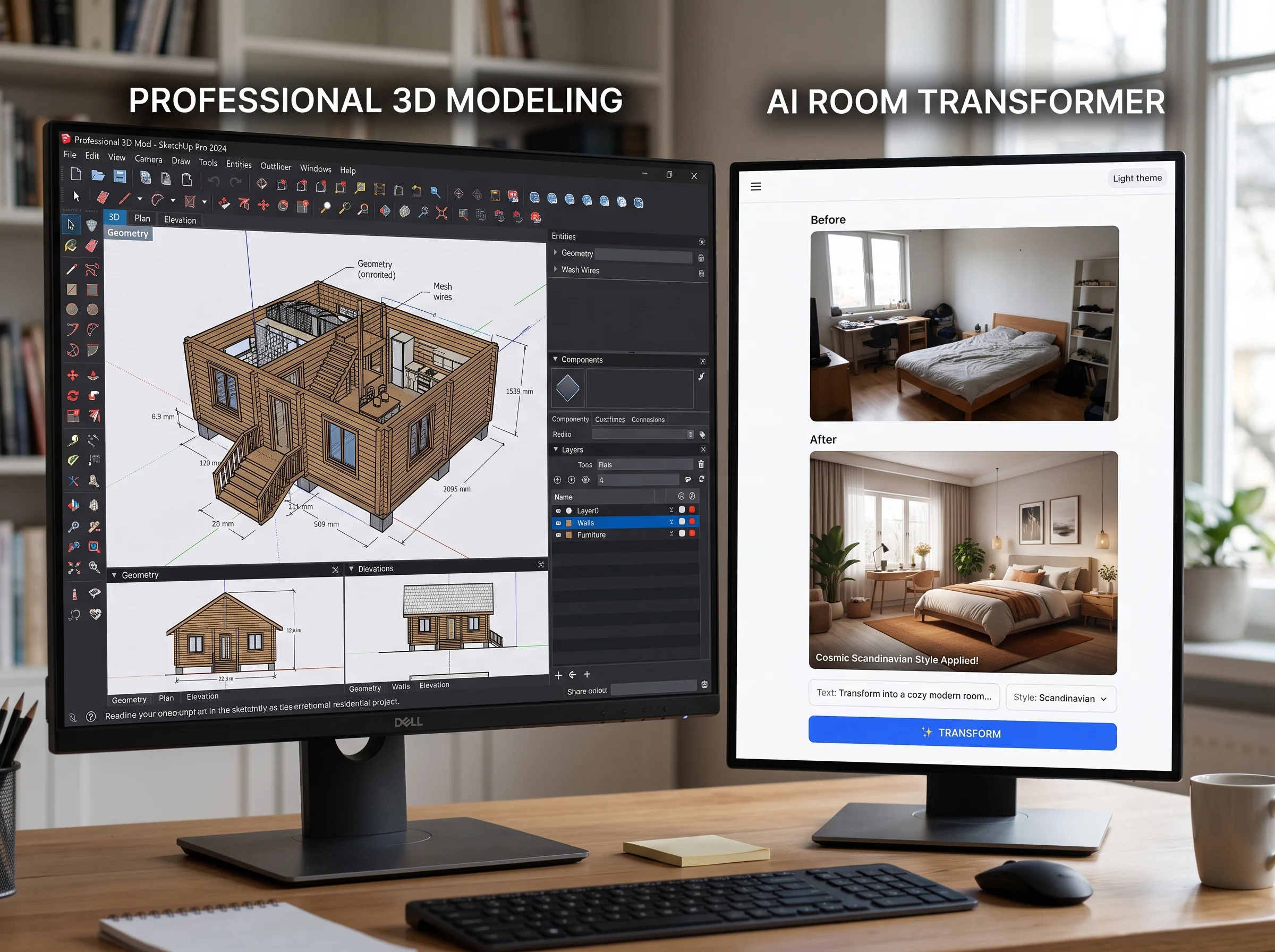
When people picture "interior design software," they imagine a designer at a big monitor, dragging 3D furniture around a wireframe model. That software is real, powerful, and genuinely necessary for certain work. But it was never built for a homeowner who just wants to know whether a new sofa and a warmer palette would make their living room look better. For that person, a different category of tool has emerged — AI photo tools — and the two are so different they're almost not competitors at all.
Here's an honest comparison: what the professional software does, what AI photo tools do, and which one actually helps a homeowner make a decision.
The Professional Software
The tools designers and architects use are built for precision, documentation, and construction — not for quick visual exploration.
AutoCAD is the industry standard for technical floor plans and permit drawings. It produces exact, dimensioned 2D and 3D documentation that contractors and building departments rely on. It's also notoriously demanding: months to learn properly, and a professional license runs well over $1,800 per year. SketchUp is the friendlier 3D modeling tool — you build a model of a space and populate it with furniture. It's more approachable than AutoCAD but still takes weeks to become competent with, and the professional tier costs a few hundred dollars per year.
V-Ray and Lumion are rendering engines that turn 3D models into photorealistic images. They're what produce those glossy, magazine-quality visualizations — but they require an existing 3D model to work from, plus significant skill, expensive licenses, and often a powerful computer. The learning curve is steep. Revit rounds out the category as architectural documentation software used for building information modeling; it's a professional's tool through and through, aimed at architects and firms, not homeowners.
What all of these produce is precise: accurate 3D models with exact dimensions, suitable for contractors, permits, and construction. If you're building or renovating structurally, this precision is essential and worth every hour of the learning curve.
"Professional software answers 'will it fit and can we build it?' AI photo tools answer 'will it look good in my room?' Most homeowners only ever needed the second question answered."
The AI Photo Tools
AI photo tools work in an entirely different way. You upload a photo of your actual room, describe or select a direction, and get an instant transformation. There's no model to build, no software to learn, no license to buy. The learning curve is essentially zero, and the cost is near-zero — often free to start.
What they produce is also fundamentally different from professional software. It's not a 3D model of an idealized version of your room; it's a photorealistic transformation of your real room, in the real photo you took, with your real windows and proportions. You're not looking at a rendering of a model that approximates your space — you're looking at your space, restyled. For the question most homeowners are actually asking, that's exactly the right output.
Side-by-Side Comparison
| Tool | Learning Curve | Cost | Output | Who It's For |
|---|---|---|---|---|
| AutoCAD | Months | $1,800+/year | Technical floor plans, permit drawings | Architects, designers |
| SketchUp | Weeks | $300+/year | 3D models of spaces | Designers, hobbyists |
| V-Ray / Lumion | Steep, ongoing | High (license + hardware) | Photorealistic renders of 3D models | Rendering specialists |
| Revit | Months | Professional-tier | Architectural documentation (BIM) | Architects, firms |
| AI photo tools | None | Free to near-zero | Photorealistic transformation of your actual room | Homeowners |
Which Is More Useful for a Homeowner's Decision?
It depends entirely on the question you're trying to answer. For "will this look good?" questions — a new sofa, a different palette, a style change, a rearranged layout — AI photo tools win decisively. They answer that question in seconds, on your real room, at no cost, with no skills required. Professional software could theoretically answer it too, but only after weeks of modeling work and a pile of license fees, which is wildly disproportionate to the question.
Professional software becomes necessary when you cross into construction territory: precise architectural drawings, permit submissions, contractor-ready specifications, exact millwork dimensions, structural documentation. If a contractor or an inspector needs to work from your plans, you (or a professional you hire) need the precision that only tools like AutoCAD and Revit provide. AI photo tools don't produce buildable specs, and they're not trying to.
So the honest split is this. The vast majority of homeowner decisions are aesthetic — how will this look — and for those, AI photo tools are not just cheaper and faster, they produce more directly useful output, because they show your actual room rather than a model of it. Professional software is essential, but for a narrower job: turning approved designs into buildable, permit-ready documentation, which is a designer's or architect's task, not a homeowner's.
The Bottom Line
These two categories of tools aren't really rivals — they're built for different jobs. Professional software exists to model spaces precisely and produce construction documentation, and nothing has replaced it for that. AI photo tools exist to show a homeowner what their actual room could look like, instantly and for free, and nothing beats them for that.
If you're a homeowner weighing furniture, colors, styles, or layouts, don't spend months learning SketchUp or thousands on AutoCAD to answer a visual question. Upload a photo, see the result, and decide with your eyes. Save the professional software for the moment your project genuinely requires buildable, permit-ready plans — and at that point, it's usually a professional wielding it, not you.