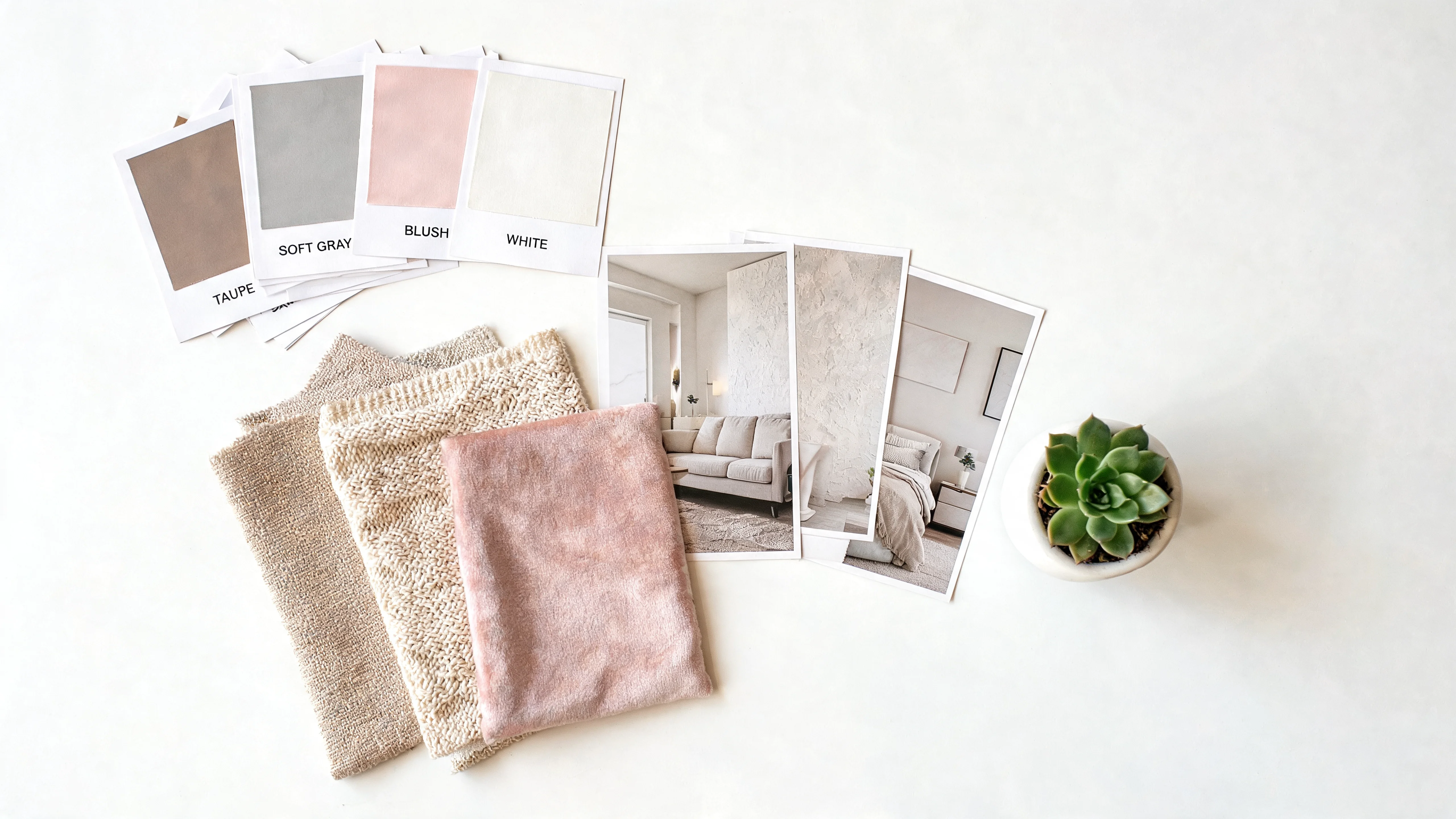
Almost everyone has one: a Pinterest board, a folder of screenshots, a saved collection of rooms that make you stop scrolling. Hundreds of images of interiors you love. And almost everyone has the same experience with that board — it just sits there. You know you love those rooms, but you have no idea how to get from a saved photo of someone else's living room in Stockholm to a real change in your own. The inspiration piles up; the room stays the same.
The problem is not a lack of taste. It is a missing skill: the ability to read a reference image — to extract what actually makes it work — and then adapt that to your own space with its own light, proportions, and constraints. That skill is what interior designers charge for, and it is more learnable than it looks. This guide teaches you how to do it, and how to use AI to bridge the final gap between a reference photo and your finished room.
Why Saved Inspiration Rarely Translates
The reason your inspiration board never becomes your living room is that a photo is a finished result, and you are trying to reverse-engineer the recipe from the cake. The image shows you what you love but not why you love it or how it was achieved. So you do one of two things. You copy it literally — buy the exact sofa, the exact rug — and it looks wrong in your room because your room is not that room. Or you freeze, because the gap between the beautiful photo and your actual four walls feels uncrossable.
There is a second, subtler trap: most people's inspiration boards are incoherent. They save fifty rooms across five different styles because each one has one appealing element, and the board as a whole points in no single direction. A board that pulls toward warm minimalism, mid-century, industrial loft, and cottage maximalism all at once cannot become a room, because those rooms contradict each other. The first job of reading references is figuring out what your saved images actually have in common.
What Makes a Good Reference Photo
Not every beautiful image is a useful reference. A good reference photo for actually designing a room has a few qualities:
- It shows a real, complete room — not a tightly cropped vignette or a product shot. You need to see how elements relate across a whole space.
- The lighting is honest. Heavily filtered or dramatically styled photos misrepresent the actual colors and mood. A naturally lit reference tells you the truth about the palette.
- It shares bones with your space. A reference of a room with a similar footprint, ceiling height, or light direction to yours will translate far better than a soaring loft when you have an eight-foot ceiling.
- You can name what you like about it. If you cannot articulate the appeal — the warmth, the calm, the specific color — the image is a mood, not a reference.
The goal is to narrow a sprawling board down to three to five images that genuinely point the same direction and that you can learn from. Fewer, more coherent references beat a hundred contradictory ones every time.
Reading a Photo: Palette, Materials, Mood, Layout
Here is the core skill. When you look at a reference image, stop seeing "a nice room" and start seeing four separate layers. Analyze each one deliberately.
Palette. What are the actual colors? Squint at the image to blur the details and see the color blocks. Identify the dominant color (usually walls and large furniture), the secondary color (medium elements), and the accent (small, punchy details). Note the temperature — warm or cool — and the saturation — muted or vivid. This is the single most transferable layer, because color works in any room.
Materials. What is everything made of? Wood (and what tone), metal (and what finish), stone, linen, wool, leather, glass, ceramic. Materials are where warmth and texture come from, and they translate almost as reliably as color. A room that reads warm is usually warm because of its materials, not just its colors.
Mood. How does the room make you feel — calm, energetic, cozy, airy, dramatic? Mood is produced by the combination of light (warm and low, or bright and even), contrast (soft or high), and density (sparse or layered). Naming the mood tells you what you are really chasing.
Layout. How is the furniture arranged and scaled? This is the least transferable layer, because it depends entirely on the room's dimensions — which is exactly why literal copying fails. You take palette, materials, and mood from a reference; you almost never take layout wholesale.
"Don't copy the room in the photo. Steal its palette, its materials, and its mood — then rebuild them inside the four walls you actually have."
Adapting a Look to Your Room's Constraints
Once you have read the reference into its four layers, the real work is adaptation. Your room has constraints the reference room did not: a different amount and direction of light, a different ceiling height, existing pieces you are keeping, an awkward radiator or a load-bearing column. Adaptation means translating the reference's palette, materials, and mood through your constraints.
A concrete example: you love a bright, airy Scandinavian living room, but your room faces north and gets cool, dim light. Copying the reference's cool-white walls literally would make your room feel cold and grey. Adapting it means keeping the light, minimal spirit but warming the whites toward oat and cream, and adding warm-toned wood and layered lamps to compensate for the light you do not have. Same mood, translated honestly. That translation — same feeling, adjusted for reality — is the entire craft. For a deeper look at making a style work in a space that fights it, our guide to the best AI design tools covers how different tools handle this.
Combining Multiple References Coherently
Often what you actually want lives across several images — the palette of one, the sofa style of another, the lighting of a third. Combining references is powerful but easy to botch. The discipline is to designate one image as the anchor that sets the overall palette and mood, and pull only individual, compatible elements from the others. You are not averaging five rooms; you are building one room in the spirit of your anchor, borrowing specific details that fit its logic.
The test for whether two references can combine is simple: do they share a temperature and a level of contrast? A warm, soft, low-contrast reference and a cool, hard, high-contrast one will fight no matter how you blend them. Two references that share the same underlying warmth and restraint can be merged seamlessly even if their specific pieces differ.
Building a Working Reference Board
Once you know how to read and combine references, it helps to organize them into a working board rather than a sprawling, unsorted collection. A useful board is small and structured. Start with your single anchor image at the center — the room that best captures the overall direction. Around it, group your supporting references by the layer they contribute: one or two for the palette, one or two for the materials, one for a specific furniture silhouette or fixture you want to echo, and one for the mood or lighting quality.
Labeling each image with the one thing you are taking from it is the discipline that separates a useful board from a pretty distraction. When every reference has a job, you stop collecting rooms you vaguely admire and start collecting decisions. This structured board also becomes the perfect input for AI: instead of feeding the machine a random inspiration photo, you hand it the anchor that defines your direction and know exactly which qualities you expect to see carried into your own room.
Keep the board tight. The temptation is to add every appealing image you find, but a board of forty references is just your original incoherent Pinterest problem in a new folder. Five to eight images, each with a clear role and all pointing the same direction, will produce a far better result than a hundred that pull every which way. Edit down until the board itself reads as a single coherent room, and you have already done most of the design work.
From Reference to Result With AI
This is where the gap that used to be uncrossable finally closes. Reading a reference into its layers is a skill you can now hand to AI directly. Instead of manually translating a palette and materials into a shopping list and hoping it works in your space, you can feed the machine both images and let it do the merge.
The workflow with Decorb is exactly this. Upload a photo of your actual room. Add your favorite inspiration image as a reference. The AI reads the palette, materials, and mood from your reference and applies them to your room — your walls, your windows, your proportions, your light. You are not copying the reference room; you are seeing your own room reimagined in its spirit. This is the single most direct answer to the "I have inspiration but can't act on it" problem, because it performs the read-and-adapt translation for you and shows you the photorealistic result in seconds. Feed it your inspiration image plus your room photo and watch the two merge. For the prompt-side of the process, our guide to AI interior design prompts that work pairs perfectly with reference images.
Common Reference-Photo Mistakes
The ways designing from inspiration most often goes wrong:
- Copying layout literally. The reference's furniture arrangement depends on its room, not yours. Take palette, materials, and mood; rebuild the layout for your space.
- Ignoring the light difference. A reference shot in bright southern light will not deliver the same mood in your dim north-facing room. Adapt the palette to compensate.
- Combining incompatible references. Merging a warm, soft room with a cold, hard one produces incoherence. Check that references share temperature and contrast before blending.
- Chasing an over-styled photo. Heavily filtered, magazine-styled images misrepresent real colors and set an impossible standard. Prefer honest, naturally lit references.
- Never testing before buying. The biggest one. Translating a reference in your head and buying based on the guess is how expensive mistakes happen. See the result in your actual room first.
Your inspiration board is not a problem — it is raw material you have never had the tools to use. Learn to read a reference into palette, materials, and mood; adapt it honestly to the room you actually have; and let AI perform the final merge so you can see the result before you commit. The gap between the beautiful photo and your real room was never about taste. It was about translation, and translation is now something you can do in seconds. For the complete picture, start with our complete AI interior design guide.